The Complete Shopify Product Listing Checklist for Handmade Businesses
By Bold Shelf · 11 min read · October 19, 2026
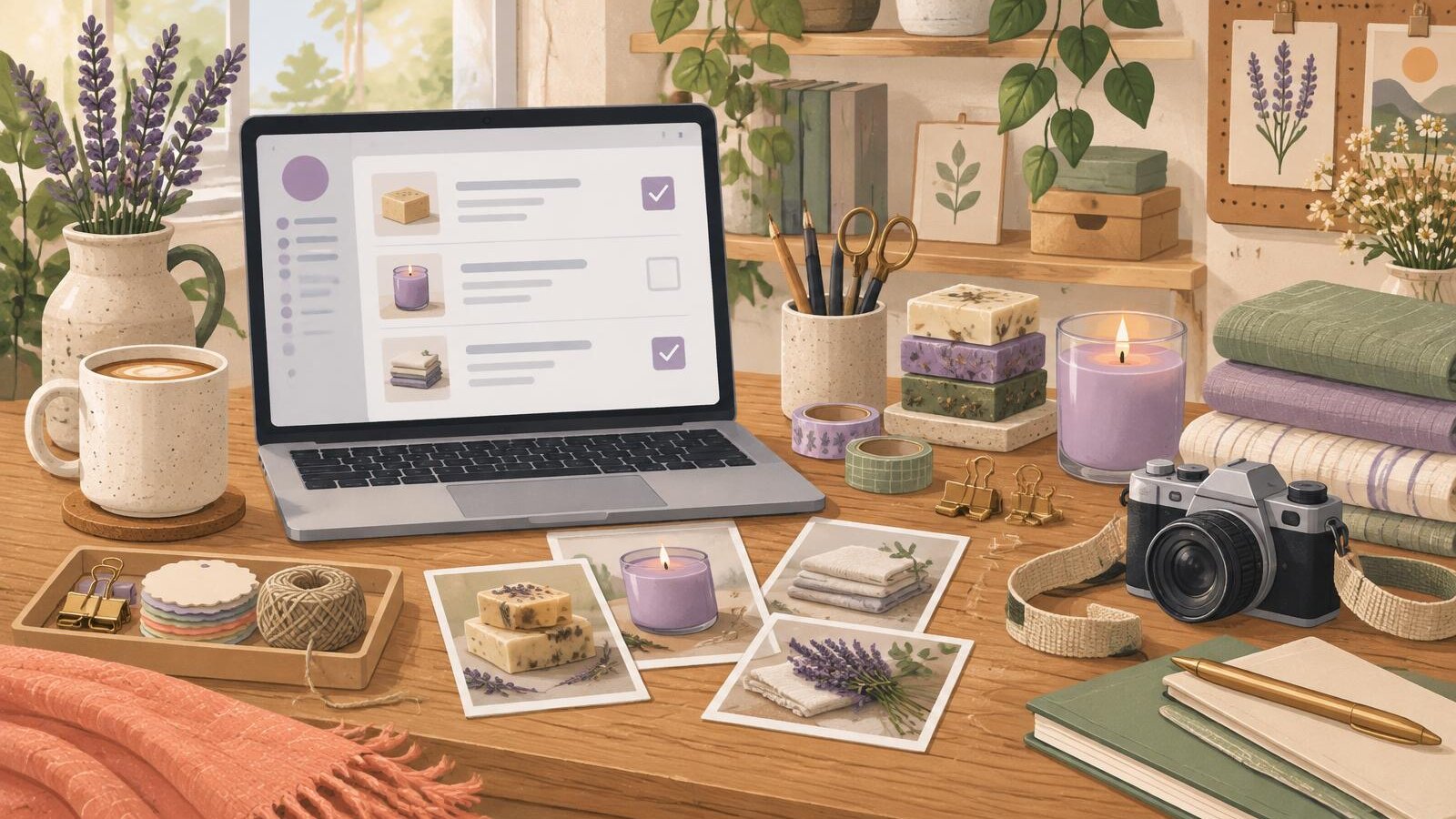
A free printable for this guide
The Maker’s Shopify Listing Prep Checklist
Gather every fact, photo and detail you need before you start a new product listing.
Your products are ready to shine. Let's make sure your Shopify listings are, too.
You've spent hours choosing materials, perfecting your designs, packaging orders, and bringing your products to life. But when it's time to add everything to your Shopify store, there's suddenly a whole new list of things to figure out.
Product titles. Photos. Descriptions. Variants. Pricing. Search engine optimization.
And somehow, all those little details need to come together into one beautiful, easy-to-shop product page.
Sound familiar?
Whether you're opening your first Shopify store, moving your handmade business beyond Etsy, or finally organizing a growing product collection, preparing your listings doesn't have to feel overwhelming.
The secret is to get your product information organized before you start uploading.
That's exactly what this Shopify product listing checklist will help you do.
We'll walk through the essentials, share examples for handmade products, and help you prepare listings that are clear, consistent, and ready for customers to explore.
1. Gather Your Product Essentials
Before writing descriptions or uploading photos, start with the basic information every product needs.
Think of this as creating a little home for all your product details. Once everything is gathered in one place, the rest of the listing process becomes much easier.
Your product essentials checklist
- Product name
- Selling price
- SKU or internal product identifier
- Inventory quantity
- Product category
- Product type
- Vendor or brand name
- Product status
- Collections the product belongs to
Not every Shopify field is required for every business, but having this information prepared helps you create more organized listings.
Example: A handmade candle
Imagine you're adding a new candle to your Shopify store.
Instead of starting with a vague name like "Lavender Candle," you might organize the information like this:
Product name: Lavender Fields Soy Candle — 8 oz
Price: $22.00
SKU: CND-LAV-8OZ
Product type: Soy Candle
Vendor: Your Candle Studio
Inventory: 24 available
Collection: Candles, Lavender Collection
Now you've got a much clearer picture of what you're listing.
A little tip from Bold Shelf: Choose a consistent way to name your products and create SKUs. Even if your shop is small today, good organization makes managing a growing catalog much easier.
2. Prepare Your Product Photos
Your customers can't pick up your products, feel their textures, or examine the little details through a screen.
Your product photos have to do some of that work for you.
Beautiful photography doesn't necessarily mean an expensive camera or elaborate studio setup. It means giving shoppers a clear, honest look at what they're buying.
Your product photo checklist
- One clear main product image
- Additional images showing different angles
- Close-up photos of important details
- Lifestyle or in-use images, when helpful
- Size or scale reference
- Photos of available colors or styles
- Consistent lighting and presentation
- Clear, descriptive image filenames
- Permission to use every image
What makes a good main image?
Your main image is often the first thing a shopper sees in your collection pages or search results.
Choose an image that makes the product easy to recognize at a glance.
For example, a handmade ceramic mug might have:
Main image: The entire mug photographed against a simple background.
Supporting image: A close-up of the glaze texture.
Lifestyle image: The mug filled with coffee on a kitchen table.
Scale image: The mug being held in someone's hand.
Together, these images help shoppers understand what makes the mug special.
Don't forget your image filenames
Instead of uploading an image called `IMG_4821.jpg`, consider a descriptive filename such as:
`handmade-blue-ceramic-mug-front.jpg`
Descriptive filenames can provide useful context and make your image library easier to manage.
When uploading product photos to Shopify, you can also add descriptive alt text. Alt text helps people using screen readers understand meaningful image content and can help search engines interpret images.
For example:
Handmade blue ceramic coffee mug with a rounded handle and speckled glaze.
Keep alt text accurate and natural. There's no need to squeeze in every possible keyword.
Bold Shelf tip: Organize your photos into folders by product before uploading. You'll spend less time searching for the right images later.
3. Organize Your Variants and Product Details
If you sell products in multiple sizes, colors, scents, or styles, you'll want to organize those options before creating your listings.
In Shopify, product options can generate variants that customers select when shopping.
For example, a handmade soap bar might come in:
- Lavender
- Oatmeal
- Unscented
A handmade T-shirt might have both size and color options.
These details are easier to manage when you know exactly which combinations you're offering.
Your variants checklist
- Available sizes
- Available colors, scents, or styles
- Prices for different variants
- Inventory quantities for each variant
- SKUs for each variant
- Relevant photos for each option
- Weights or shipping details when needed
Example: Handmade linen aprons
Let's say you sell linen aprons in three colors:
Colors: Sage, Natural, Terracotta
Sizes: Standard, Long
That creates six possible combinations if every color is available in both sizes.
Before uploading, confirm which combinations actually exist, whether their prices differ, and how many you have available.
This prevents shoppers from seeing options you don't really sell.
A helpful reminder: Not every difference needs to become a variant. If two items are significantly different products, separate listings may be easier for customers to browse.
4. Write Product Descriptions That Answer Real Questions
A product description shouldn't simply fill space underneath your product photos.
It should help customers understand what they're buying, why the details matter, and whether the product is right for them.
For handmade businesses, this is especially important.
Your customers may care about materials, craftsmanship, dimensions, care instructions, and the little details that make your products unique.
Your description checklist
- Clearly explain what the product is
- Identify important materials
- Include dimensions or sizing
- Explain relevant product features
- Include care instructions when appropriate
- Mention important product limitations
- Use short paragraphs and readable formatting
- Avoid unsupported claims
Example: Before and after
Basic description:
"Handmade ceramic mug. Blue glaze. Great for coffee or tea."
The description isn't necessarily wrong, but it leaves several questions unanswered.
More helpful description:
"Bring a little handmade charm to your morning routine with this blue ceramic mug. Its softly rounded shape and speckled glaze give each piece a warm, handcrafted look.
Designed for your favorite coffee or tea, this mug pairs everyday function with a simple, timeless style.
Product details
- Material: Ceramic
- Color: Blue with a speckled finish
- Finish: Glazed
- Handmade appearance may vary slightly between pieces
Please review the listed dimensions and care instructions before purchasing."
The second version gives the customer a better picture of the product without sounding overly promotional.
Of course, you should only include features, materials, care instructions, and other claims you can verify.
Keep your descriptions easy to scan
Many shoppers browse on their phones. Long, crowded paragraphs can make important information harder to find.
Try organizing descriptions into sections such as:
What you'll love: A short introduction to the product.
Product details: Materials, dimensions, and features.
Care instructions: How to use or maintain the item.
Good to know: Important variations, limitations, or other purchasing details.
You don't need fancy language. You need clear information that helps people shop confidently.
A note about description writing services
At Bold Shelf, we recognize that not every business needs the same level of writing assistance.
Some makers already have complete descriptions ready to upload. Others have the essential information but want help making the wording smoother and more consistent.
That's why our listing services distinguish between standard product descriptions, Description Polish, and Full Copy Help.
The right level depends on how much information you've already prepared and how much writing support you need.
5. Prepare Your Shopify SEO Details
Search engine optimization, or SEO, helps search engines understand the content of your product pages.
It doesn't guarantee that your products will appear at the top of Google, but clear, useful product information gives your pages a stronger foundation.
The good news? You don't need to become an SEO expert before listing your first product.
Start with the basics.
Your Shopify SEO checklist
- Use a descriptive product title
- Write a unique page title for search results
- Add a helpful meta description
- Choose a clear URL handle
- Include relevant product details naturally
- Add meaningful image alt text
- Avoid copying the same description across unrelated products
Example: Product page SEO
Let's return to our handmade candle.
Product title:
Lavender Fields Soy Candle — 8 oz
SEO page title:
Lavender Soy Candle | Handmade 8 oz Candle
Meta description:
Discover our handmade 8 oz lavender soy candle, created to bring a soft floral touch to your space. Explore the details and shop the collection.
URL handle:
`lavender-soy-candle`
Notice how each element clearly describes the product without repeating the same words unnecessarily.
Your goal is to help both shoppers and search engines understand the page.
Bold Shelf tip: Write for real people first. Search-friendly wording works best when it accurately reflects the product and answers what customers want to know.
6. Organize Products Into Collections
Once your product details are ready, think about how customers will find them in your store.
Shopify collections let you group products together, making it easier for visitors to browse related items.
A handmade skincare business might organize products into:
- Soap Bars
- Body Balms
- Gift Sets
- Unscented Products
- Seasonal Favorites
A jewelry maker might use:
- Earrings
- Necklaces
- Bracelets
- Everyday Favorites
You don't need dozens of collections to get started.
Choose categories that make sense for your products and your customers.
Your collection checklist
- Decide which collections each product belongs to
- Use clear collection names
- Avoid unnecessary duplicate categories
- Check that products appear in the correct collections
- Review how collections look on mobile
A well-organized store makes shopping feel easier, especially as your product catalog grows.
7. Review Everything Before Publishing
You've gathered your details, prepared your photos, organized your options, and written your descriptions.
You're almost there!
Before making a product available to customers, take a few minutes to review the finished listing.
Your final Shopify listing checklist
- Product title is accurate
- Price is correct
- Inventory information is current
- Variants are accurate
- Product photos display properly
- Main image is the right choice
- Description is complete and readable
- Materials and dimensions are correct
- Care instructions are included when needed
- SEO title and meta description are reviewed
- Product belongs to the correct collections
- Shipping details are accurate
- Product page looks good on mobile
- All important links work
- Product is ready to publish
Pay special attention to how the listing looks on a phone.
An image that looks beautiful on your computer might crop differently on a smaller screen. A description that seems short on desktop can feel much longer on mobile.
And if you're not ready to make a listing public yet, you can keep it as a draft while you finish reviewing.
8. Make Listing Preparation Easier With a Simple System
Here's something worth remembering: you don't have to reinvent your listing process every time you add a new product.
Once you create a consistent system, you can use it again and again.
Start with a spreadsheet or product information template that includes your titles, descriptions, prices, variants, and inventory details.
Keep product photos in organized folders.
Use consistent naming conventions.
And make a habit of reviewing your listings before they go live.
For a maker adding five new products, this can save unnecessary back-and-forth.
For a growing business preparing 25 or 50 products, organization becomes even more valuable.
The more information you gather upfront, the easier it becomes to maintain consistent product listings across your store.
Your Products Deserve a Thoughtful Presentation
You've already done the creative work of bringing your products into the world.
Preparing them for Shopify is simply the next step in helping customers discover what you've made.
And while there are plenty of little details involved, you don't have to tackle everything at once.
Start with the essentials. Organize your photos. Write descriptions that answer real questions. Review your product pages carefully.
One product at a time, you'll build a store that's easier to manage and easier for customers to shop.
Want a little help getting organized?
We've created The Maker's Shopify Listing Prep Checklist, a free printable guide designed to help handmade and small-batch businesses prepare their products before uploading.
Inside, you'll find practical checklists for product essentials, photos, variants, descriptions, SEO, and final review.
It's a simple way to keep everything together as you prepare your next collection.
Download The Maker's Shopify Listing Prep Checklist
All organized? Beautiful. Now let's get those products listed.
You've done the prep work. Bold Shelf can take it from here.
We help handmade and small-batch businesses turn their product information into clean, consistent Shopify listings, reviewed by a real person before delivery.
Whether you're preparing a few products or a larger collection, our listing services are designed to make that part of running your shop a little easier.
Start with a Free Listing Preview or explore our Shopify product listing packages.
Made with makers in mind.
— Bold Shelf
Want help getting your products listed?
Bold Shelf prepares organized Shopify listings from the details and photos you already have. Start with a free preview, or look through our listing packages and monthly plans.
Keep reading
How to Organize Products Into Shopify Collections
Give handmade products a clear place to belong with practical collection examples, current editor guidance, selection rules, and a final browsing checklist.
7 min read

Shopify Setup Checklist for Handmade Business Owners
Organize your handmade store launch with a practical checklist for product preparation, shop pages, delivery settings, checkout testing, and final review.
7 min read

How to Add Products to Shopify: A Beginner’s Guide
Add your first handmade product to Shopify with clear steps for titles, descriptions, photos, variants, inventory, and a careful draft review.
7 min read